Active Project · Rev 6.0 Prototype

A modern Amiga
for the ATX era

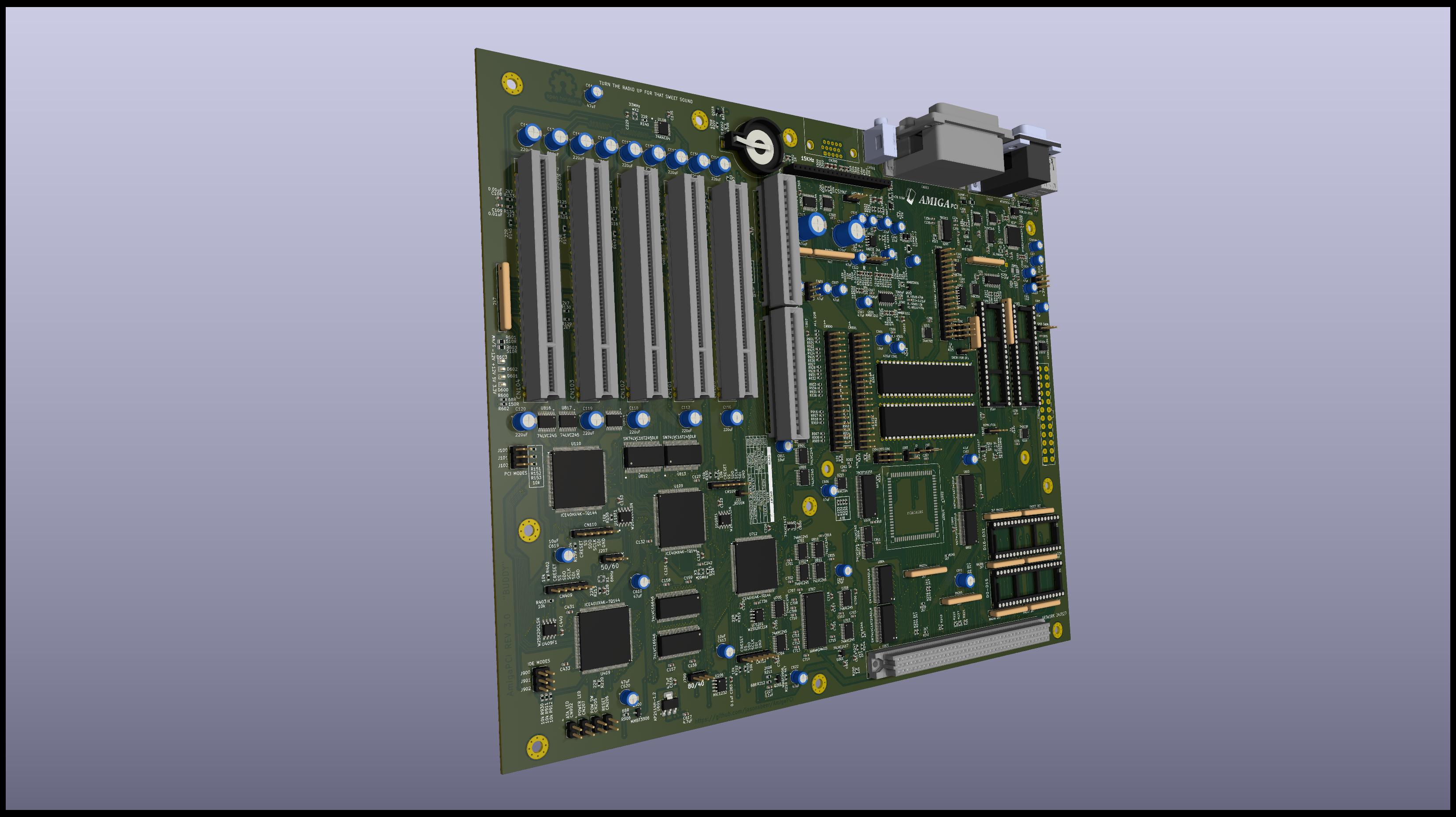
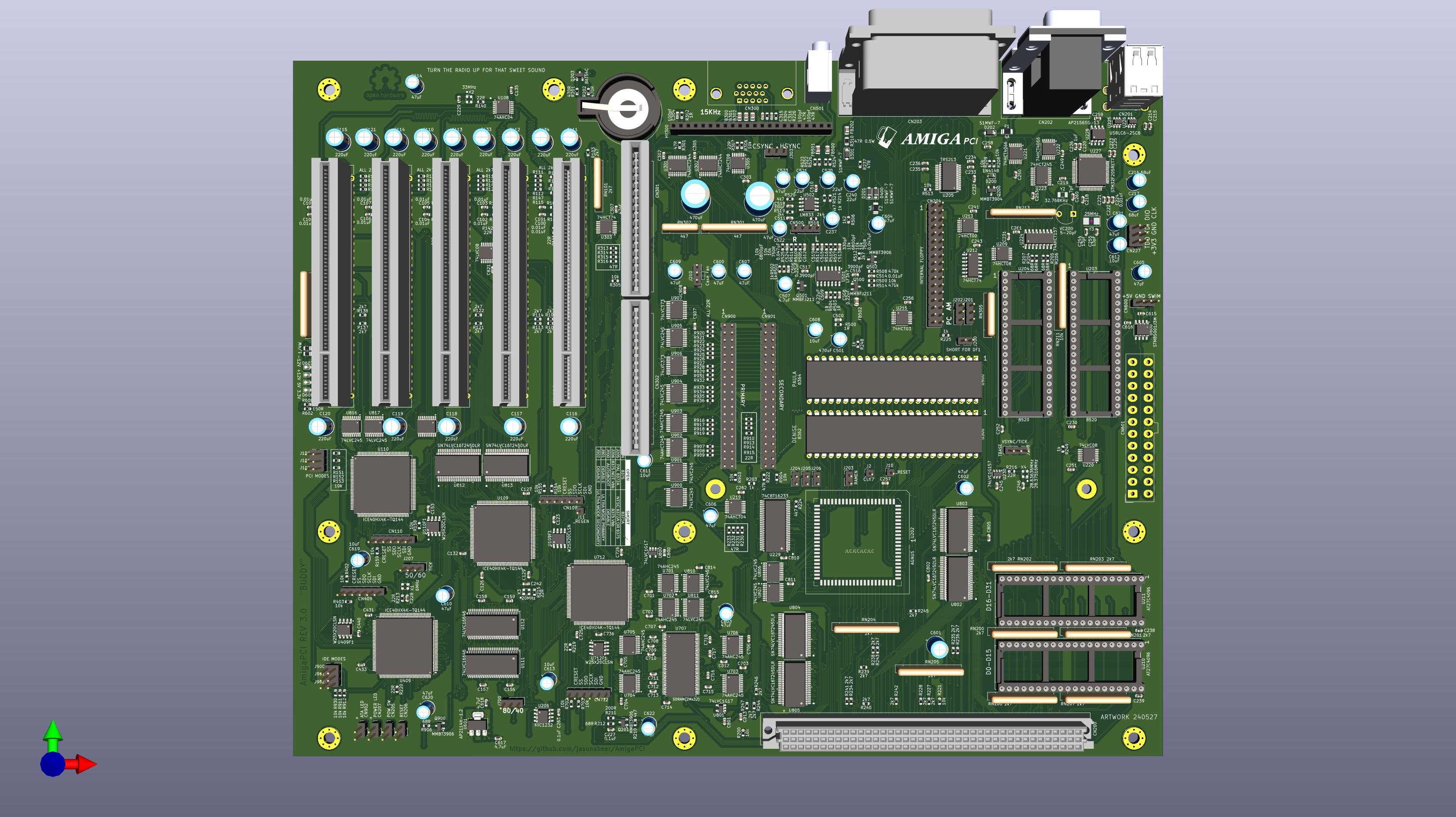
The AmigaPCI is an OCS/ECS Amiga computer in the standard ATX form factor. Five PCI expansion slots, a flexible CPU Local Bus port, USB HID support, and dual-port ATA — built with original Amiga custom chips and modern off-the-shelf hardware.

AmigaPCI Rev 6 Mainboard
AmigaPCI Mainboard — Rev 6.0 Engineering Prototype
Work in Progress. The AmigaPCI is currently in the prototype stage and is not recommended for general use. Specifications are subject to change without notice. If you choose to build before final release, you accept all cost and risk associated with that decision.

Everything the Amiga deserved

Designed around the original Amiga custom chipset with modern expansion and connectivity built in from the ground up.

🔌

Five PCI Expansion Slots

Five AUTOCONFIG PCI 5V/Universal slots based on PCI Local Bus Rev 2.3. Compatible with Prometheus mode for non-Amiga hardware. True DMA with full address space access.

⚙️

CPU Local Bus

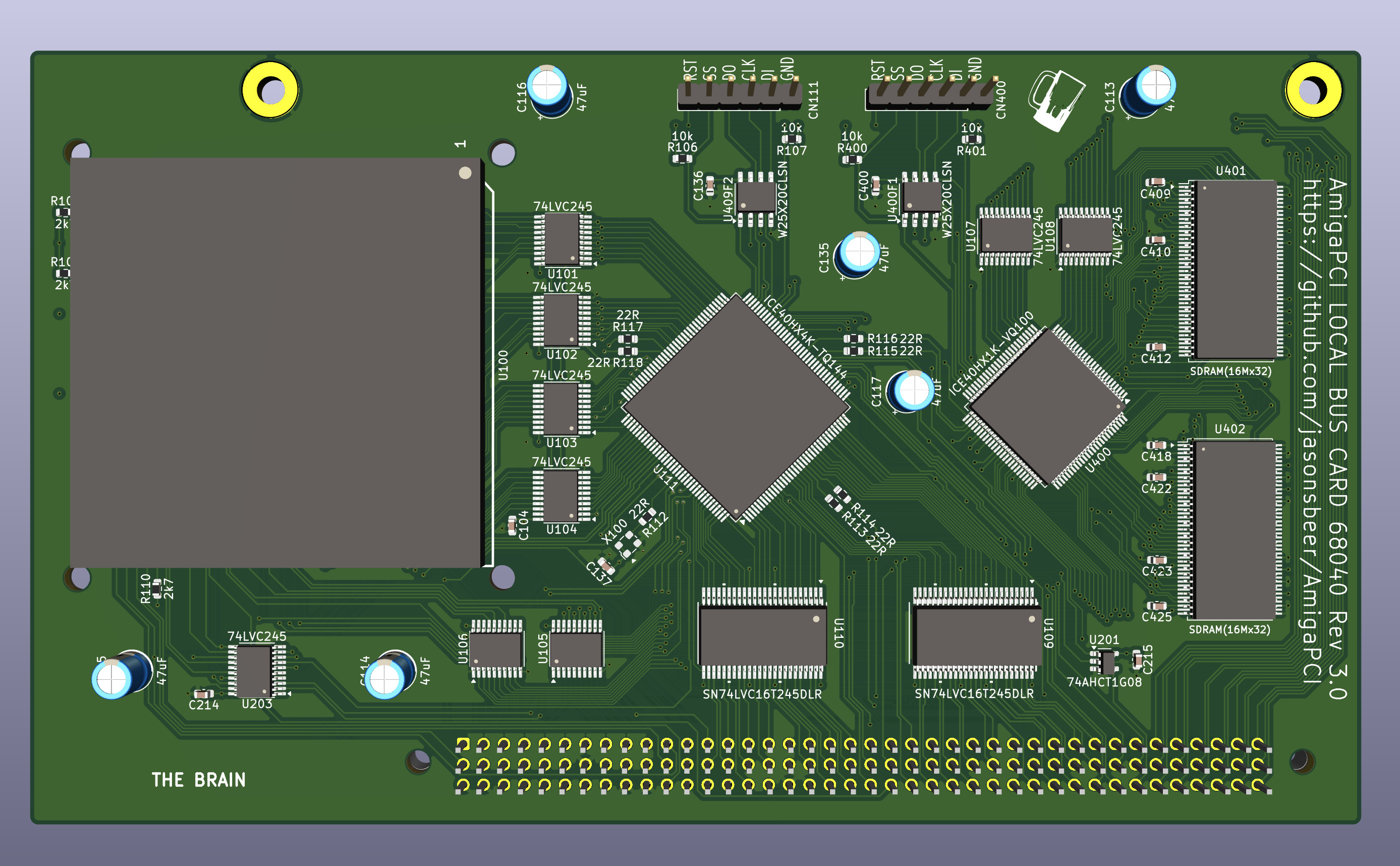
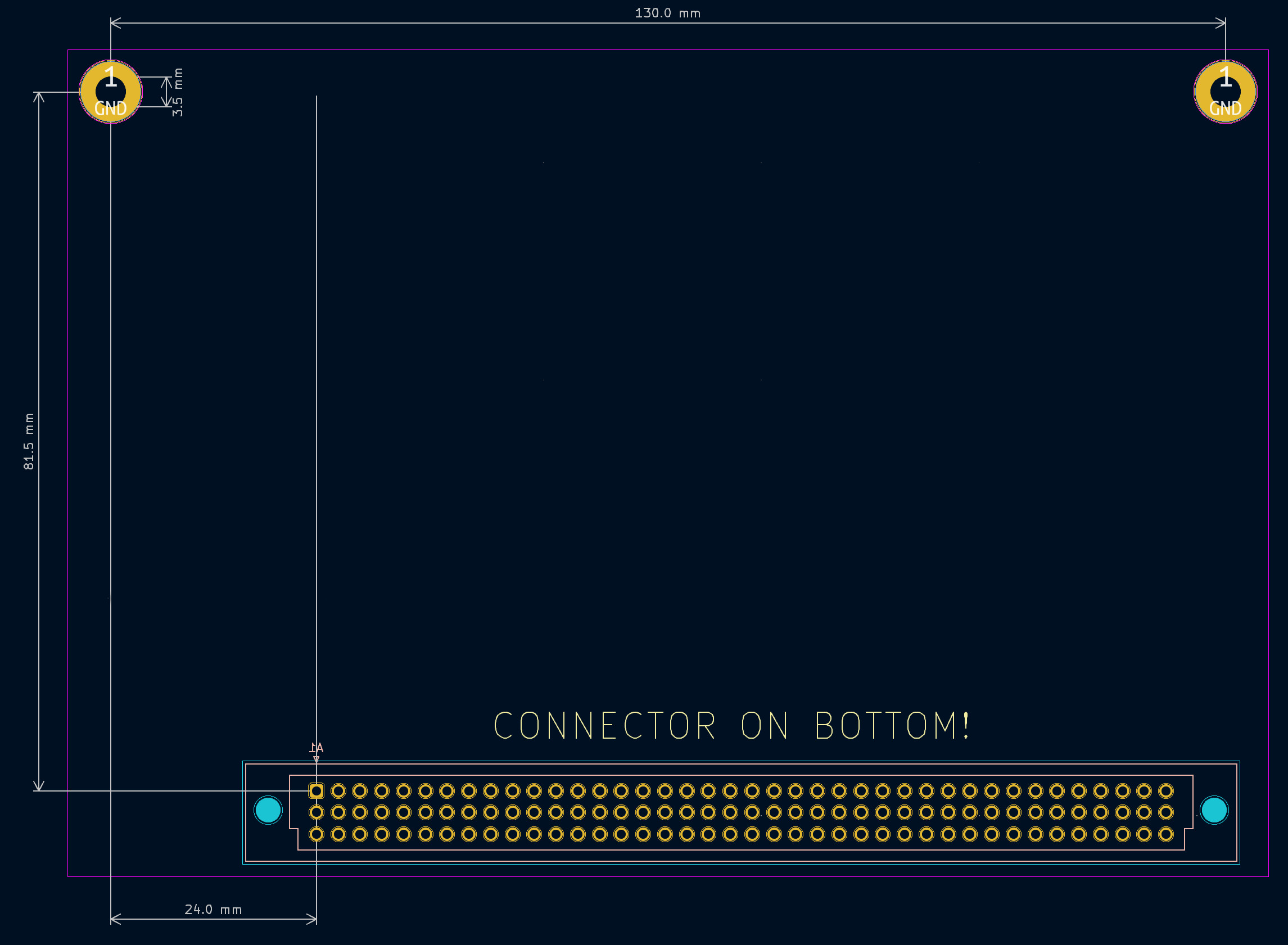
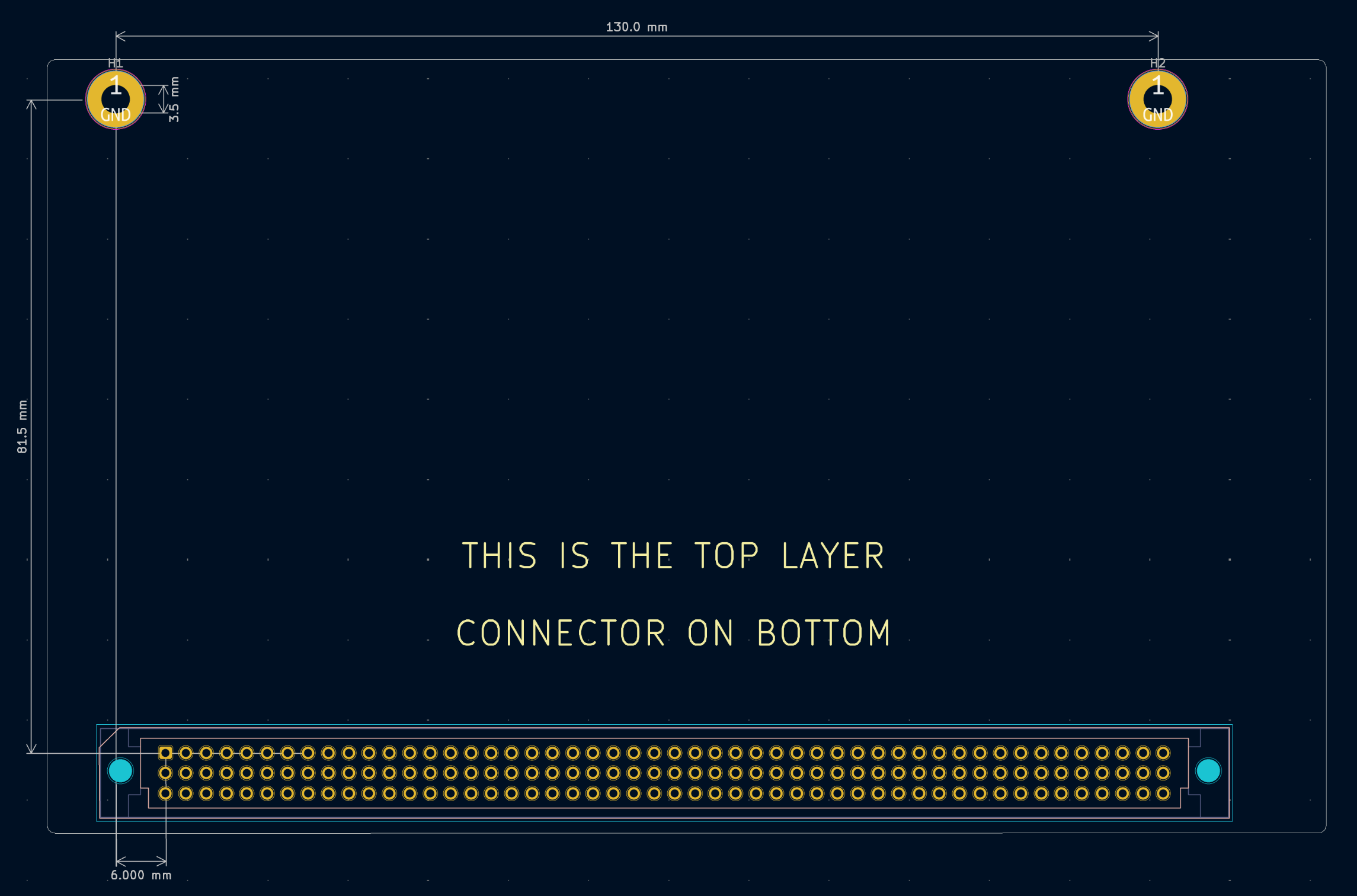
No CPU or fast RAM on the main board — instead a DIN 41612 120-pin Local Bus port supports interchangeable CPU daughter cards optimized for MC68040 or MC68060 processors.

💾

Dual-Port ATA

Two host-terminated AUTOBOOT ATA ports supporting up to 4 devices total (master & slave per port). 32-bit data transfer, powered by lide.device.

🖱️

USB HID Support

Two USB ports for HID keyboards and mice via an on-board STM32F205 microcontroller. The mouse seamlessly shares the JOY1 port with hardware arbitration and HID priority.

🕹️

Legacy Compatibility

Two DB9 joystick ports, HD15 video output at 15 KHz, DB25 serial and parallel ports fully compatible with Amiga 500/600/1200/2000/3000/4000 peripherals.

💿

Floppy Drive Interface

Supports two internal DD floppy drives — both original Amiga drives and PC drives (selectable by jumper). Based on Ian Steadman's PC floppy interface adaptation.

🔊

Audio

Paula-generated audio through a filter circuit modelled on the Amiga 4000. Line-level 3.5 mm stereo output and a 4-pin CD audio header for optical drives.

🖥️

Video Slot

Full Amiga OCS/ECS video bus for use with compatible video devices, in addition to 15 KHz HD15 output for direct connection to scan doublers or compatible monitors.

🕐

Real-Time Clock & Monitoring

The STM32F205 emulates an RTC with an external 32 kHz crystal. All board voltages are readable via RTC address space registers. Fan RPM control via PWM.

A hobby project born from love of the Amiga

This is a hobby project. To me, the Amiga has a personality that PCs of any era cannot hope to replicate. I got my first Amiga — an A500 — in 1992. In 1995, despite Commodore having gone out of business, I upgraded to a used A2000 with a GVP 030/SCSI card and flicker fixer.

Around 1998 I relented and built a PC. The Amigas went into the closet, rarely to see the light. Sadly, like so many, I ended up selling my original machines only for my interest to rekindle years later.

The purpose of my Amiga projects is to learn and hopefully share something of value with fellow Amigans — providing options for machines using modern components whenever possible. This gave rise to the A2000 EATX, the N2630, and now, the AmigaPCI.

The AmigaPCI project is open hardware, licensed under Creative Commons Attribution-NonCommercial 4.0 International. Schematics, Gerbers, KiCAD files, Verilog source, and FPGA binaries are all available on GitHub.
AmigaPCI CPU Local Bus Card

CPU Local Bus daughter card — Rev 6 prototype

Under the hood

Key technical details of the Rev 6.0 prototype. All specifications subject to change.

Form Factor & Connectivity

Form FactorStandard ATX
PCI Slots5 × AUTOCONFIG, 5V/Universal
PCI StandardPCI Local Bus Rev 2.3
CPU PortDIN 41612, 120-pin (3×40)
Video OutputHD15 (15 KHz), Video Slot
SerialDB25 male (Amiga compatible)
ParallelDB25 female (Amiga compatible)
USB (HID)2 ports (keyboard & mouse)
Joystick2 × DB9
Audio Out3.5 mm line-level stereo

Storage & Microcontroller

ATA Ports2 (4 devices total)
ATA Transfer32-bit, host terminated
Floppy2 × DD (Amiga or PC)
MCUSTM32F205
RTC Crystal32 kHz (variable cap tuning)
FPGAs4 × Lattice iCE40
Kickstart ROM27C4096 EPROM (A1200 3.2+)
I2CInternal header + Local Bus
CD Audio4-pin 2.54 mm (RGGL)

Required Amiga Custom Chips

Chip Part Number(s) Package Position Status
Agnus (Fatter) 8372A or 8375 (390544-01/02, 318069-10/11) PLCC-84 U202 Tested
Paula MOS 8364 DIP-48 U500 Tested
Denise MOS 8362 or CSG 8373 DIP-48 U300 Tested
CIA × 2 MOS 8520A, 8520A-1, 8520R2, or 8520PD DIP-40 U203, U204 Tested
Video Hybrid Commodore 390229-0x SIP-22 HY300 Tested

Reference materials

Technical guides for builders and developers. All documents are works-in-progress.

Building the AmigaPCI

A high-level overview of the build process. Refer to the full documentation for detailed instructions.

01

Order PCBs

Use the Gerber files from the repository to order boards from your preferred PCB fabricator. Refer to the PCB ordering guide for recommended specs.

02

Source Components

Gather the BOM components — including original Amiga custom chips (Agnus, Paula, Denise, CIA ×2, Video Hybrid) and the 27C4096 EPROMs for Kickstart.

03

Assemble the Board

Follow the Assembly Notes for placement, jumper settings, and Agnus compatibility. Check the floppy drive type jumpers before powering on.

04

Program the FPGAs

Use an FT232H USB-to-SPI board and iceprog to flash the four Lattice iCE40 FPGAs in the recommended order. Power cycle when complete.

# Install icestorm (Debian/Ubuntu) sudo apt install fpga-icestorm # Program each FPGA flash module — recommended order: # Local Bus Card first (if present): U400, U111 # Then AmigaPCI mainboard: U409, U712, U110, U109 iceprog U712.bin

Join the conversation

Discussions, questions, and hardware enhancement requests are welcome on Discord and GitHub Issues. Hardware enhancement requests are tracked in GitHub Issues — not actively considered during the prototype phase, but logged for future reference.